
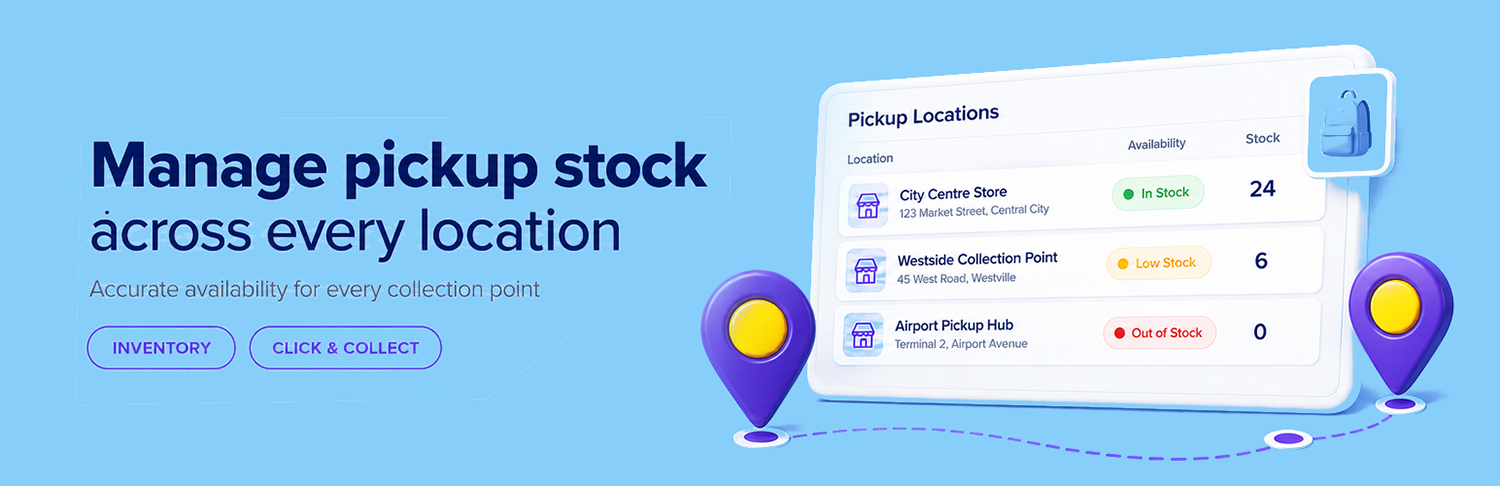
Manage stock from multiple stores/ branches or pickup points and show customers only locations that can fulfill their order, with automatic reservation and restoration.
Pickup availability is calculated using the products, variations and quantities currently in the customer’s cart.
If a location cannot supply the complete order, it is removed from the available pickup choices. Availability is checked again when the order is submitted, helping protect the final units of stock even when multiple customers are checking out at the same time.
Pickup Location Stock supports both WooCommerce Checkout Blocks and classic checkout.
Pickup inventory works alongside your standard WooCommerce product inventory. WooCommerce continues to reduce its main stock normally, while Pickup Location Stock separately reserves and manages the quantity held at the selected collection location.
This provides accurate location-level availability without replacing WooCommerce’s existing inventory process.
Pickup Location Stock follows the order from checkout through fulfillment:
This reduces manual stock corrections while helping prevent the same pickup stock from being promised to more than one customer.
Set pickup quantities for simple products or manage each product variation separately.
Customers see availability for the exact variation in their cart, making the extension suitable for products whose sizes, colours or other options differ between locations.
Configure the days on which collection is available and allow customers to choose an eligible pickup date during checkout.
Availability can be managed globally or adjusted for individual locations, giving each store or collection point the flexibility it needs.
Pickup details are carried through the order workflow so everyone knows where an order will be collected.